System 01 · Opening soon
AI Writer
Writes a full-length book, chapter by chapter. Give it a title and a chapter list. It writes each chapter in turn and saves it the moment it is done, so a book that stops halfway carries on from the chapter it stopped at.
For people who have a licence key. Licences are not on sale yet.

A look inside
What you see when you sign in.
Real pictures of the version you sign in to, taken with a made-up customer and a made-up book. Press one to see it larger.
How a book gets written
Three parts, in the order you fill them in.
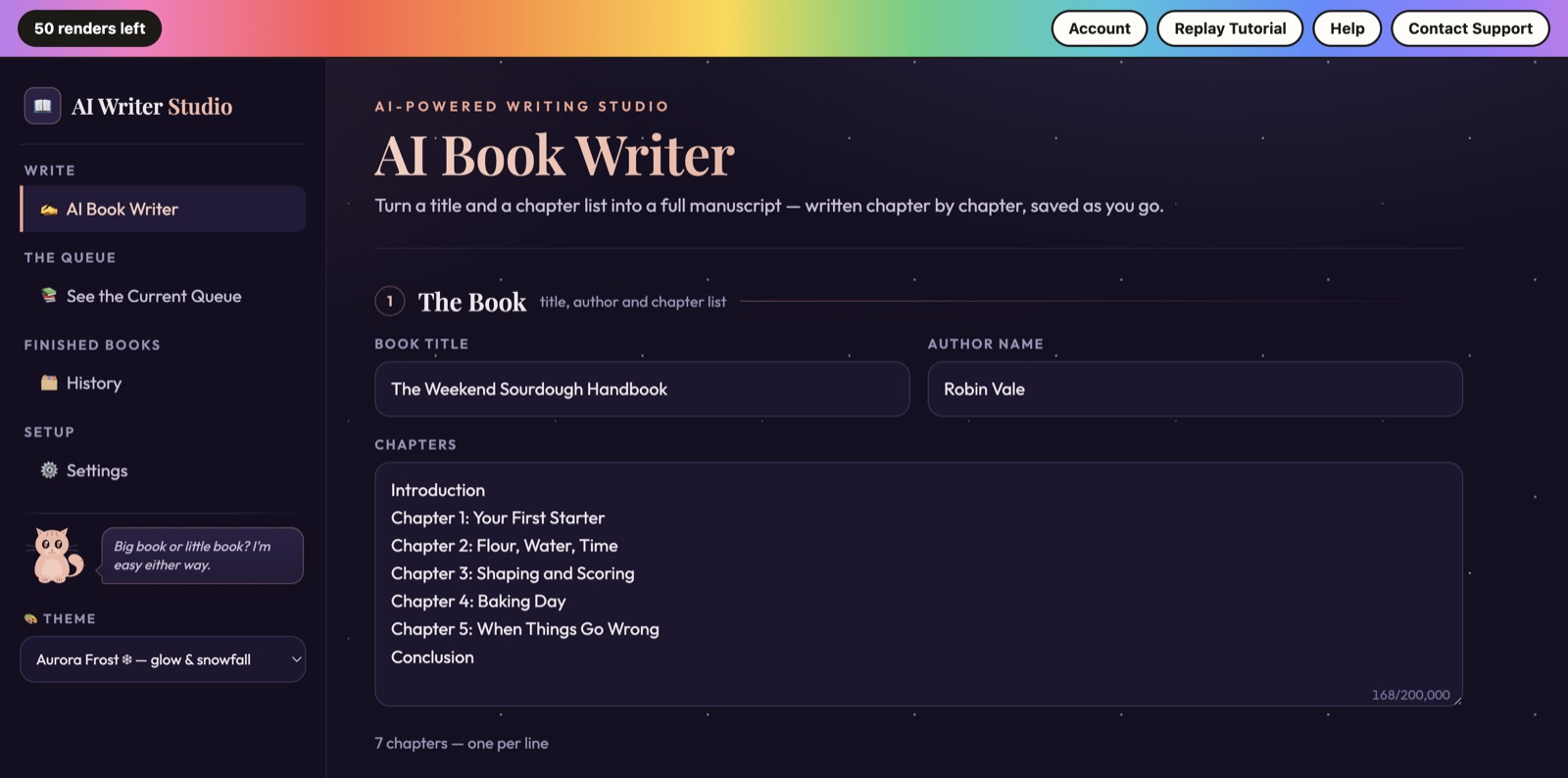
These are the numbered parts of AI Writer’s own page.
The Book
The title, the author and the chapter list, one chapter to a line.
How to Write It
The AI model you chose in Settings, and the instructions every chapter follows.
Generate
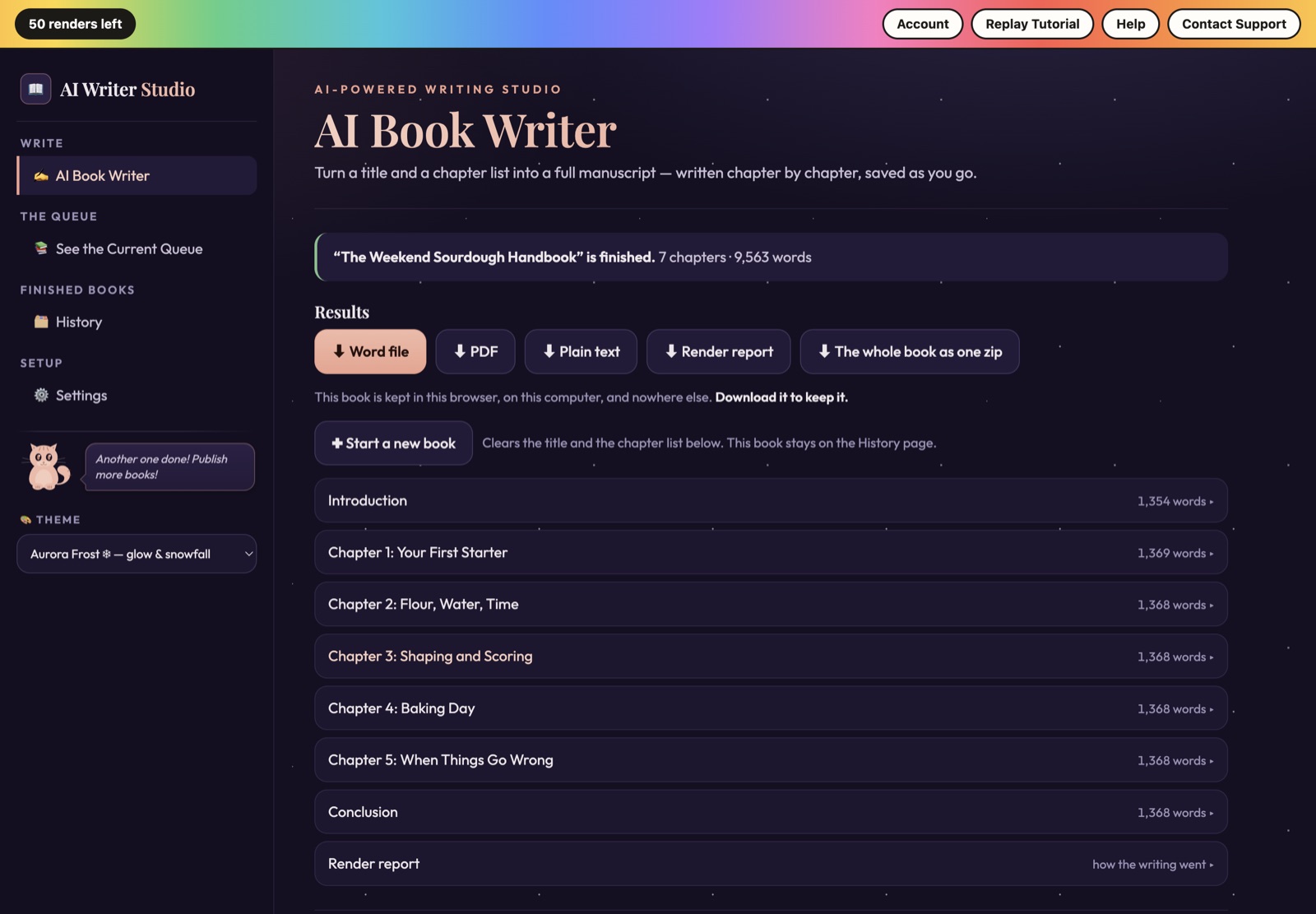
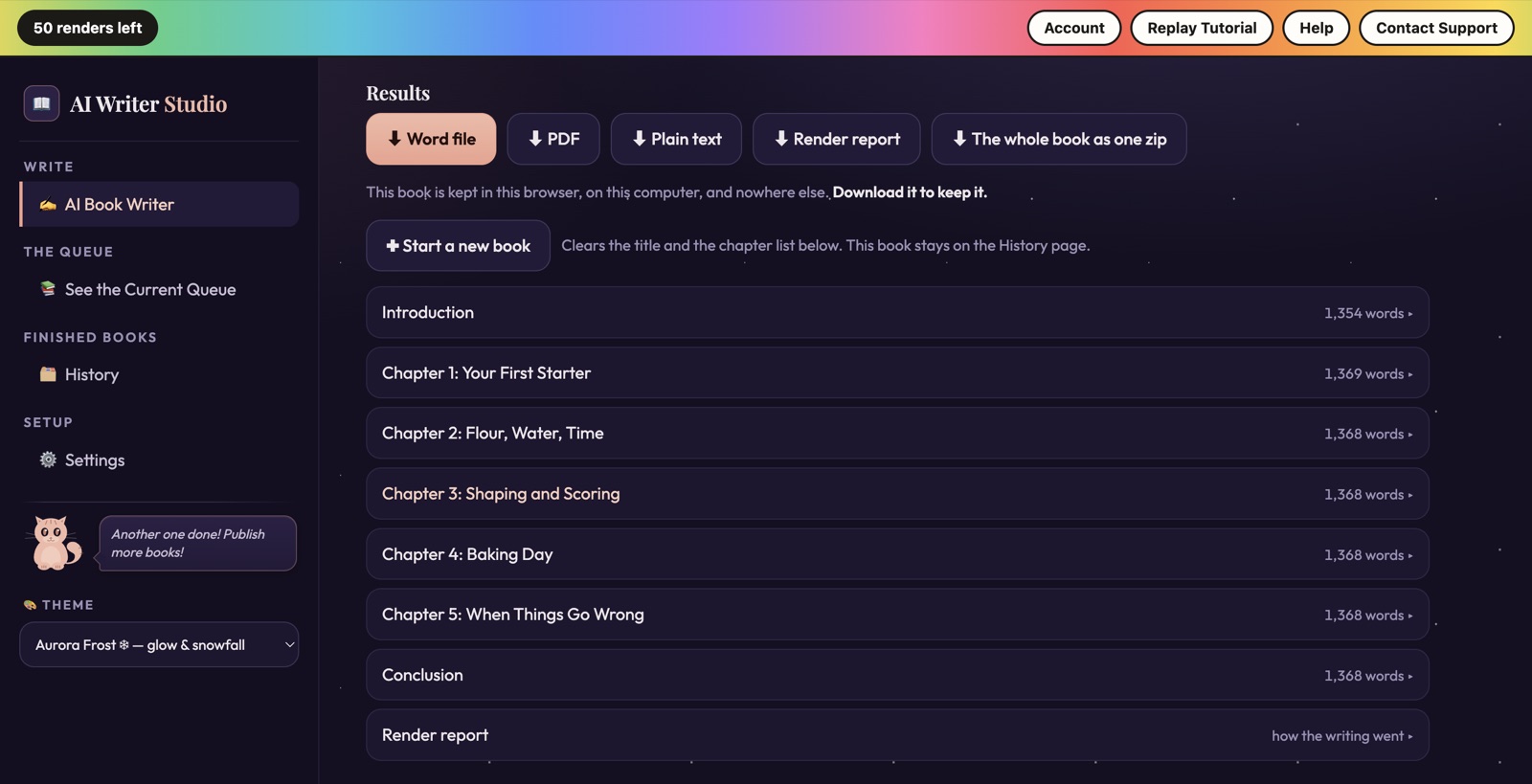
How long the book will be, and the Generate button. When it is finished, the Word file, the PDF and plain text are one press each.
What it does for you
The work it takes off your hands.
- Your own AI accountIt runs on your account with OpenAI, Grok or Together AI. They bill you directly for what you use, and nothing is added on top.
- Three parts and a buttonThe book, how to write it, and Generate. Nothing else has to be set up before the first chapter.
- If the tab closes, nothing is lostA book is written in your own browser, so its tab stays open while it is written. If it closes, the book pauses at its last finished chapter, and one press carries it on from there.
- Files you can use anywhereFinished books download as Word, PDF or plain text, one file at a time or the whole book as a zip.
- Your instructions, keptThe instructions every chapter follows are yours to write. What you write stays in the box for your next book, and one press brings the starting set back.
- One chapter againNot happy with a chapter? Write it again, and the rest of the book is left as it is.
- It tells you what is missingBefore a book can start, the page lists exactly what is still needed. Nothing is written, and nothing is charged, by accident.
- The plain text is always thereIf the Word file or the PDF cannot be made for any reason, the page says so. The chapters are still there, and the plain text can always be downloaded.
- A practice run firstA practice run writes every chapter as placeholder text, to show how a book is made. It needs no AI key, calls no AI service, charges nothing and uses no render.
- Shown the way, the first timeThe first time you sign in, a tutorial takes you through a practice run, one press at a time. You can skip it, and Replay Tutorial in the bar at the top of every page plays it again.
Before you start
Two things to have ready.
What you need
Your own AI account
With OpenAI, xAI (for Grok) or Together AI. Book Publishing Systems does not sell AI usage and takes no cut of what your provider charges.
What you need
A computer and a current browser
Chrome or Edge is recommended. The apps are built for a computer screen, not a phone. There is nothing to install.
Questions
About AI Writer.
Which AI model does it use?
The one you pick. You choose the provider and the model on the settings page, and can change them from one book to the next.
What happens if a book stops halfway?
Nothing already written is lost. Every chapter is saved as it is finished, and the book carries on from the chapter it stopped at. Carrying it on uses no render.
Can I send what it writes to a traditional publisher?
The manuscript is yours to use as you wish. Agents and publishers set their own rules on AI-assisted writing, so read theirs before you submit.
Do I need my own AI key?
For a real book, yes. AI Writer uses your own account with OpenAI, xAI or Together AI, and they bill you directly. You paste the key in once, on the settings page. A practice run needs none.
What is a render?
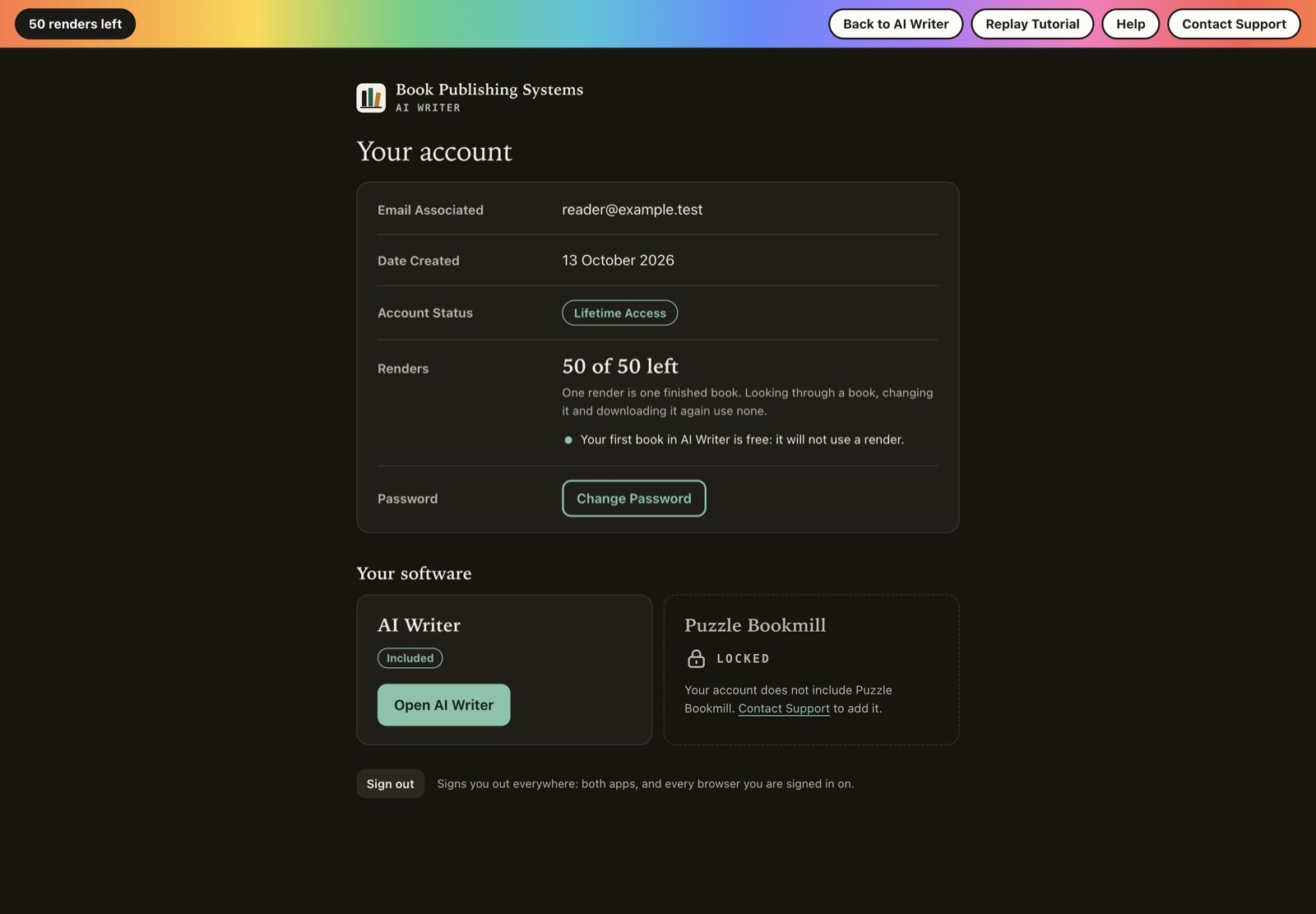
One finished book. In Puzzle Bookmill it is a book saved into its files, and in AI Writer a real book started with Generate Book. Your account has 50, shared by the apps on your licence, and your first book in each app is free: it does not use a render. Looking through a book, changing it, downloading it again and a practice run use none. Your account page, and the bar at the top of each app, say how many you have left. If you need more, write to us.
Been given a licence key?
Sign in and choose “I have a licence key”. Licences are not on sale yet.
No key yet? Write to hello@bookpublishingsystems.com and ask to be one of the first users.